
Your own AI film studio, on your PC
Make explainer videos, AI video clips and images with top open models. Private, on your own graphics card, with no per-video credits.
Then $29 a month · cancel any time · Windows with an NVIDIA RTX graphics card
One studio, from idea to finished video
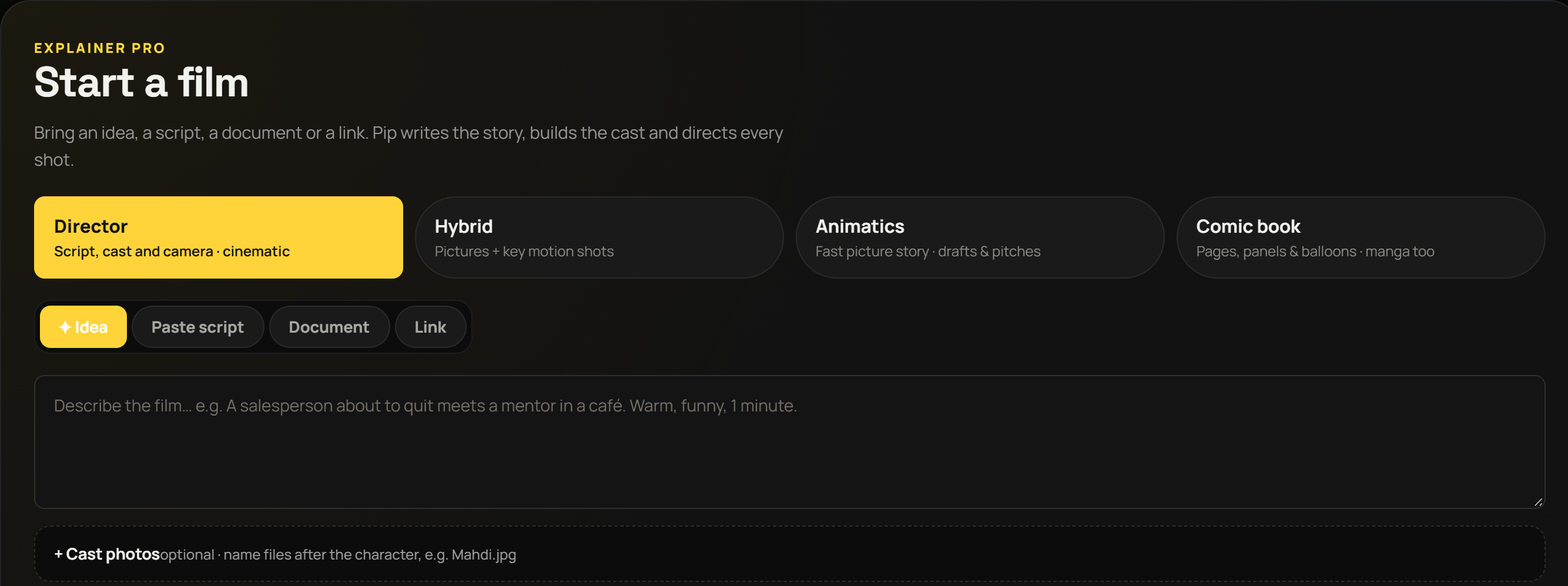
Explainer Pro
Turn a topic or your own script into a narrated video, with pictures, motion, voice and captions.
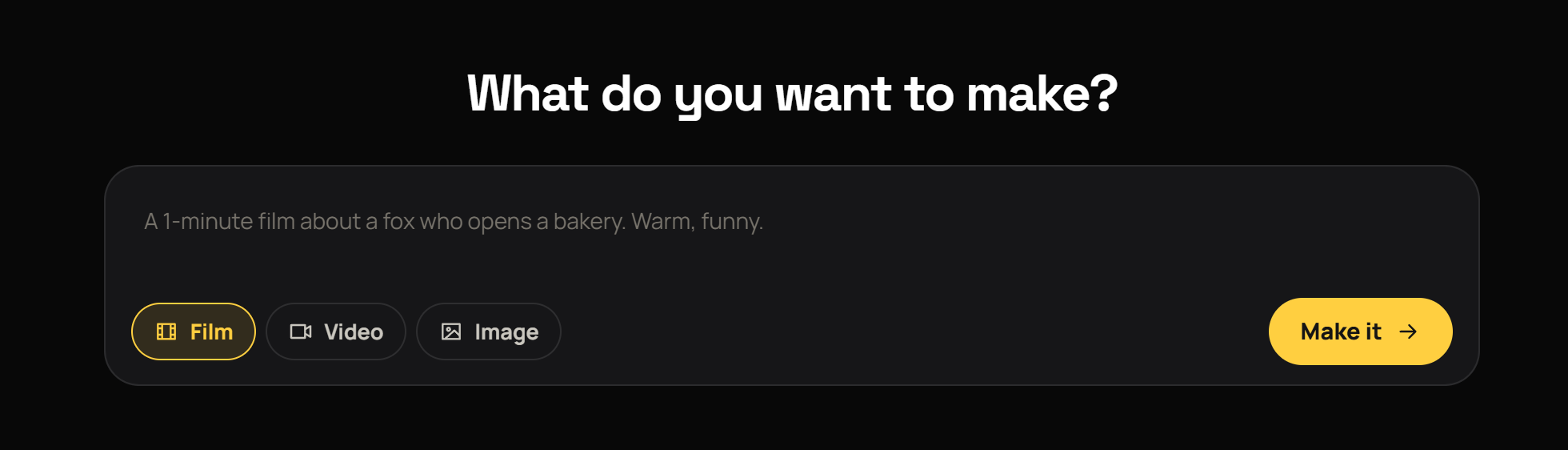
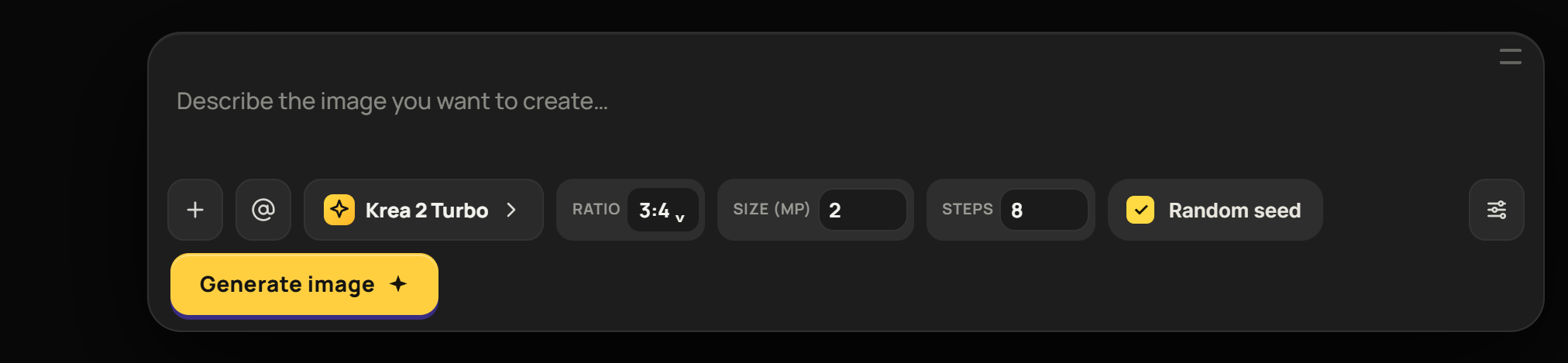
Create
AI video clips and images from a sentence, or from your own reference pictures to keep characters consistent.
Works with Claude
Ask Claude to make an explainer. It writes the script and hands it to Qinora, which renders the film on your PC.
Simple on the outside, a full studio inside
Up and running in three steps
Start your trial
Subscribe on Whop and get your license key. The first 3 days are free.
Install Qinora
It checks your PC first and only suggests the models that fit your graphics card and disk.
Create
Everything is made and kept on your PC. Your gallery stays yours, even if you cancel.
Will it run on my PC?
- SystemWindows 10 or 11, 64-bit
- Graphics cardNVIDIA RTX with at least 12 GB of graphics memory · 16 GB recommended for the best video models
- Memory32 GB recommended (16 GB minimum)
- Free disk100 to 300 GB, depending on which models you choose
- InternetFor setup, model downloads and the license check · works offline for 7 days
Good to know: the first setup is a large download. Render speed depends on your graphics card. Some models are not available in every country because of their licences; Qinora shows only what you may use.
- 3-day free trial
- App and engine updates included
- Cancel any time
FAQ
Does it run on my PC?
Qinora checks your graphics card, memory and free disk before anything big downloads, and only suggests what fits. See the requirements above.
Is my work private?
Yes. Everything is made and stored on your own PC. Only your license key is checked online.
Can I cancel?
Any time, from your Whop account. Your gallery and exports stay on your PC.
Can I use it on two PCs?
One license works on one PC at a time. You can move it to another PC from Qinora's Subscription screen.
Windows says "unrecognized app" when I install it
That is Windows SmartScreen for new apps. Choose "More info", then "Run anyway".